Can you really make money by scanning receipts? Yes, but the amount you can earn is usually modest, and not every receipt rewards app actually pays cash.
Some apps give you money back for qualifying purchases. Others reward you for submitting everyday receipts and let you redeem your balance through PayPal, Venmo, or gift cards. A few popular apps are points-only and should not be described as cash apps at all.
In this guide, we compare the best receipt scanning apps for cash, including how each one works, its payout options, cash-out requirements, geographic availability, and the main drawbacks to consider.
Last reviewed: October 7, 2026
Important: This comparison is primarily U.S.-focused because receipt eligibility, offers, and payout methods can vary by country. Always check the current rules in the app before signing up or making a purchase.
Quick Answer: Which Receipt Apps Pay Cash?
These are the strongest options to consider when your priority is actual cash rather than points that can only be redeemed for merchandise or gift cards.
| App | Best for | Cash payout | Cash-out starting point | Primary market |
|---|---|---|---|---|
| Ibotta | Cash back on qualifying purchases | Yes | $20, plus other withdrawal requirements | U.S. |
| Receipt Hog | Everyday paper and digital receipts | Yes | $5 / 1,000 coins | U.S. and Canada |
| Checkout 51 | Weekly grocery offers | Yes | $20 | U.S. and Canada |
| CoinOut | Receipt scanning plus connected accounts | Yes | Varies by reward and level | U.S.-focused |
Best overall for direct cash back: Ibotta.
Best for scanning ordinary receipts: Receipt Hog.
Best for weekly grocery offers: Checkout 51.
Best for multiple earning methods: CoinOut.
Fetch is also worth knowing about, but it belongs in a separate category because its current program uses points that can be redeemed for rewards such as gift cards rather than direct cash. Fetch’s official receipt-scanning page currently describes gift-card redemption, and its terms state that Fetch points have no cash value.
How Do Receipt Scanning Apps Work?
Receipt reward apps generally pay you for providing information about purchases you have already made.
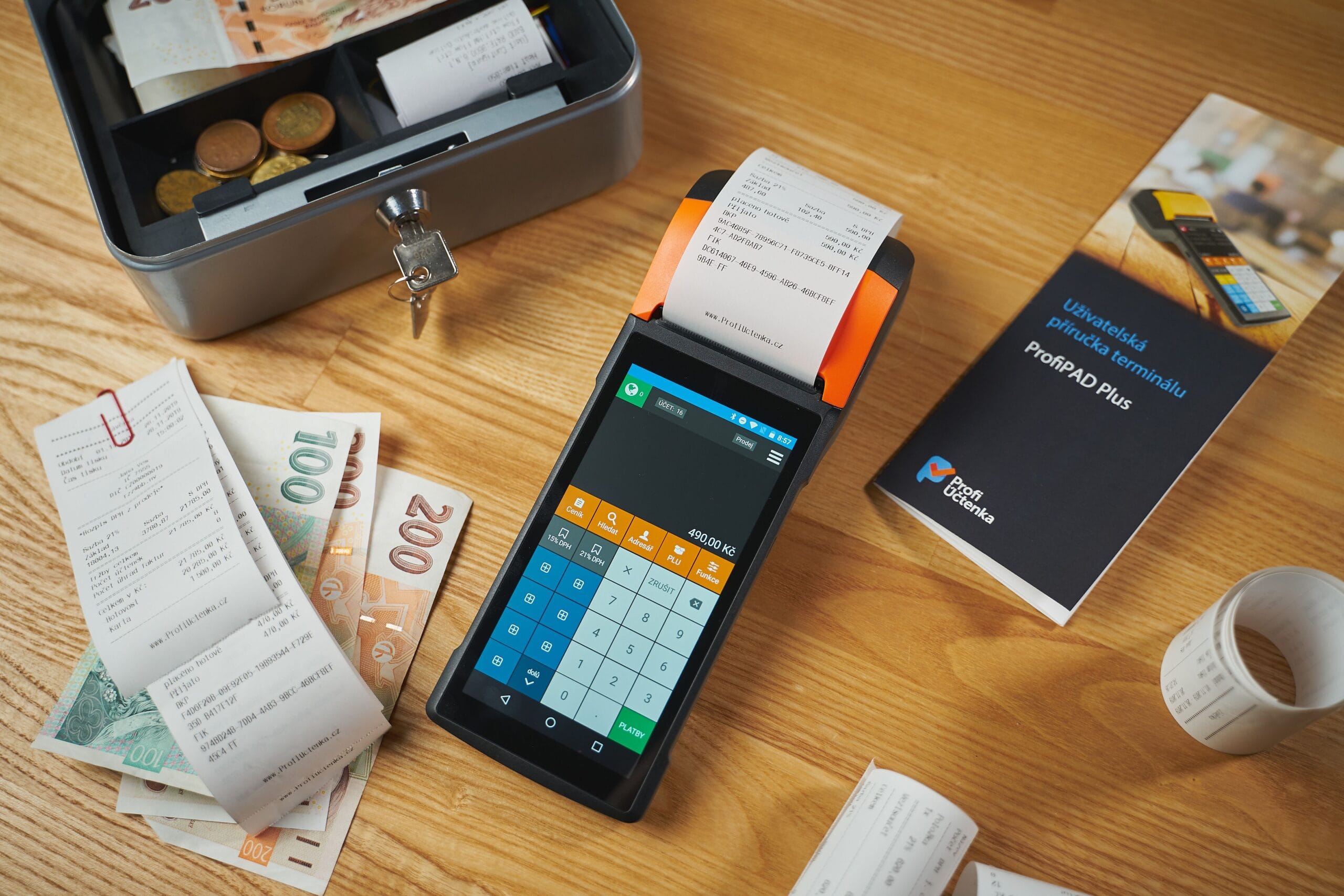
Depending on the app, you might:
- Photograph a paper receipt.
- Upload or connect digital receipts.
- Activate a cashback offer before shopping.
- Connect a supported retailer or email account.
- Complete surveys or other activities related to your purchases.
The earning model matters because these are not all the same type of app.
Receipt-scanning apps may reward you simply for submitting an eligible receipt.
Cashback apps generally require you to buy a qualifying product or complete a specific offer before receiving the reward.
Rewards apps may use receipts as only one of several ways to earn points.
That distinction can make a big difference when deciding whether an app is actually worth your time. Our cashback apps guide goes into more detail about the different cashback models and how they work.
Are Receipt Scanning Apps Really Worth It?
They can be, but they are best treated as a small extra-reward strategy rather than a serious income source.
The biggest advantage is that you can potentially earn something from shopping you were already going to do. The biggest disadvantage is that the rewards can be small, and some programs require more effort than others.
The right question is not simply, “How much does this app pay?”
Instead, ask:
- How much can I realistically earn from my normal shopping?
- How long does each receipt take to submit?
- How easy is it to cash out?
- Is the payout method actually useful to me?
- Am I comfortable sharing this purchase information?
For many people, the best receipt app is the one that takes almost no extra effort and fits naturally into an existing shopping routine.
How We Chose the Best Receipt Scanning Apps
We did not rank these apps simply by advertising claims or the largest headline reward.
For this comparison, we looked at the current official documentation for:
- How rewards are earned.
- Whether cash withdrawals are available.
- Minimum redemption requirements.
- Supported payout methods.
- Receipt eligibility and submission rules.
- Geographic restrictions.
- Important limitations that could affect the value of the app.
Where a company changes its terms, payout rules, or available rewards, those details can become outdated quickly. That is why the safest approach is to verify important information directly with the provider before relying on an app for income.
1. Ibotta. Best for Direct Cash Back
Ibotta is one of the strongest options if your priority is earning actual cash back from qualifying purchases.
The main difference between Ibotta and a basic receipt-scanning app is that Ibotta is strongly offer-driven. You typically find a qualifying offer, add or activate it, make the purchase, and then submit the required receipt or use an eligible retailer connection.
Ibotta says its earnings can be withdrawn to a bank account, PayPal, or gift card after you meet its withdrawal qualifications. The current requirements include reaching at least $20 in earnings, successfully redeeming at least one offer, and waiting at least seven days after redeeming your first offer or purchasing a gift card. Ibotta says withdrawals can then take 0 to 5 days depending on the method.
That makes Ibotta a better fit for people who want meaningful cashback amounts rather than a small fixed reward for every receipt.
Why Ibotta stands out
- Rewards are tracked as cash earnings rather than a generic coin balance.
- PayPal and eligible bank withdrawals are available.
- It works with more than 2,000 participating retail chains, restaurants, movie theaters, convenience stores, home-improvement centers, pet stores, and pharmacies.
- The app can work with both in-store and online shopping through supported retailers.
The catch is that Ibotta is not a simple “scan any receipt and get paid” service. Your purchases generally need to match eligible offers or supported shopping activity.
Is Ibotta good for grocery receipts?
Yes. Grocery shopping is one of the situations where Ibotta can make the most sense, especially when you already buy products that appear in the current offer list.
The important thing is to check the exact offer conditions before buying. Product size, quantity, retailer, offer availability, and redemption limits can affect whether you actually qualify.
Best for: U.S. shoppers who want direct cashback on products they already intend to buy.
Cash-out: $20 minimum, plus Ibotta’s other withdrawal requirements.
Payment options: Bank account, PayPal, or gift cards, subject to eligibility.
2. Receipt Hog. Best for Everyday Receipts
Receipt Hog is one of the better-known options for people who want to submit everyday shopping receipts instead of searching primarily for product-specific cashback offers.
Receipt Hog accepts paper and digital receipts and rewards users with coins, which can eventually be redeemed for cash through PayPal or for other rewards.
One important correction to older articles about Receipt Hog is that the coins do not convert 1:1 into dollars.
Receipt Hog’s current published redemption information says 1,000 coins equals a $5 reward. It also lists higher redemption levels such as 2,900 coins for $15, 4,300 coins for $25, and 6,500 coins for $40.
The company’s current terms say the minimum redemption value is $5 and that Receipt Hog will attempt to process redemption requests within seven days.
Why Receipt Hog stands out
- Designed around everyday shopping receipts.
- Supports paper and digital receipts.
- Offers PayPal cash redemption.
- Can reward receipts even when you are not shopping from a specific cashback offer list.
Receipt Hog also has surveys and other reward mechanics that can increase your overall earnings opportunity.
Where does Receipt Hog work?
Receipt Hog’s published materials describe the service as operating in the United States and Canada. Its terms are specifically written for users in those two countries.
That means you should not assume a receipt from another country will qualify just because the app is available in your phone’s app store.
Best for: Shoppers who want to earn from ordinary receipts with relatively little offer hunting.
Cash-out: $5 / 1,000 coins.
Payment options: PayPal, plus Amazon and Visa gift-card options.
3. Checkout 51. Best for Weekly Grocery Offers
Checkout 51 uses an offer-based cashback model.
You browse the available offers, purchase qualifying products at eligible stores, upload your receipt, and receive cashback when the purchase is approved.
Checkout 51 currently says you can cash out when your account balance reaches $20. Its help documentation lists PayPal, Venmo for U.S. users, and checks as cash-out methods.
This can make Checkout 51 especially useful for regular grocery shoppers who already check promotions before going to the store.
How Checkout 51 offers work
The timing of the offer matters.
In the United States, Checkout 51 says new offers go live on Sundays at midnight in each time zone and expire the following Saturday at 11:59 p.m. In Canada, offers begin on Thursdays and expire the following Wednesday.
You need to purchase the qualifying product and upload the receipt while the offer is active.
Checkout 51 also states that each receipt can only be used once within its program and that the exact product listed in the offer must be purchased.
Where does Checkout 51 work?
Checkout 51 currently supports the United States and Canada. Its documentation also says products must be purchased in the country associated with your account.
Best for: Grocery shoppers who are willing to check current offers before buying.
Cash-out: $20.
Payment options: PayPal, Venmo for U.S. users, or check.
4. CoinOut. Best for Multiple Earning Methods
CoinOut takes a broader approach than a straightforward receipt scanner.
Depending on your account and the features currently available to you, CoinOut can involve receipt uploads, connected accounts, and other earning opportunities.
The reward system has also changed over time. CoinOut currently uses levels, and the level you reach can affect how many coins you earn and which redemption options are available.
Its current support documentation says Venmo and Amazon gift cards are available starting at the $5 amount, while PayPal is available at $25 and $50 amounts. Other gift-card options are also available.
This makes CoinOut a legitimate option for users who specifically want cash redemption, but it is important to understand that the available redemption options can depend on your level.
What receipts does CoinOut accept?
CoinOut’s current terms say a valid receipt must be associated with a personal purchase, contain the retailer, date and time, item information where applicable, prices, and total, and be in English and U.S. dollars.
Receipts must also be submitted within 14 calendar days of the purchase date.
CoinOut states that each receipt may only be submitted once and that there are limits on how many receipts can be submitted from the same retailer on the same day.
Best for: U.S. users who want receipt rewards plus additional earning and account-connection features.
Cash-out: Varies by reward and account level.
Payment options: Venmo and PayPal, plus gift-card options.
What About Fetch?
Fetch is one of the biggest receipt-reward names, so it deserves a mention even though I would not classify it as a direct-cash receipt app.
Fetch’s current receipt-scanning page says users earn points from receipts and can cash out for gift cards.
Its current Terms of Service are even more explicit. Fetch states that its points have no cash, monetary, or other value and cannot be redeemed for cash.
That distinction matters when comparing “receipt apps that pay cash” with broader receipt rewards programs.
Fetch may still be worthwhile if gift cards are useful to you, especially because its receipt program accepts a wide range of purchases and also offers featured offers and other ways to earn points.
Best for: Gift-card rewards from everyday shopping.
Direct cash: No, based on Fetch’s current terms.
Receipt Apps That Pay Cash vs. Gift Card Apps
It is easy to lump all receipt apps together, but there are three useful categories.
| Type | How you earn | Typical redemption |
|---|---|---|
| Receipt cash apps | Submit qualifying receipts | PayPal, Venmo, or similar cash options |
| Offer-based cashback apps | Buy specific qualifying products | Cash, PayPal, bank account, or other rewards |
| Points-based receipt apps | Submit receipts and complete activities | Usually gift cards or merchandise |
If you specifically need money you can transfer or spend through a cash account, focus on the first two categories.
When gift cards are just as useful to you as cash, the third category becomes much more attractive.
Can You Scan the Same Receipt on Multiple Apps?
Sometimes, but you should never assume that every combination is allowed.
The rules are set by each rewards program.
For example, Checkout 51 says each receipt can only be used once within its program. CoinOut’s terms similarly say each receipt may only be submitted once.
Those rules do not automatically answer whether another independent service will accept the same shopping receipt. The safest approach is to check the current terms of each app before submitting the same receipt elsewhere.
Also avoid submitting altered, duplicate, or fraudulent receipts. Programs may reject rewards or suspend accounts when they detect abuse.
How Much Money Can You Make Scanning Receipts?
There is no reliable universal monthly figure.
Your earnings can depend on how often you shop, what you buy, which stores you use, whether your purchases qualify for current offers, how many receipts the app accepts, and how much time you spend using it.
A person who uploads a few ordinary receipts each week may earn only a small amount. Someone who regularly shops at participating stores and uses qualifying offers may earn more.
That is why I would avoid articles promising that receipt scanning will produce a fixed amount such as $20, $50, or $100 every month.
Those figures can be misleading because the reward structure is different across apps and can change over time.
How to Make Receipt Scanning More Worthwhile
Scan receipts soon after shopping
Some apps impose submission deadlines. Checkout 51, for example, requires receipts to be uploaded while the applicable offer is still live. CoinOut gives users 14 calendar days for eligible receipts.
Making receipt submission part of your normal shopping routine reduces the chance of forgetting.
Check offers before buying
This matters most with offer-based apps such as Ibotta and Checkout 51.
Do not assume that buying a product after seeing a reward somewhere online will qualify. Check the current offer details inside the app before purchasing.
Do not buy something just for the reward
A $2 cashback reward is not automatically a $2 profit if the promotion convinced you to spend $8 on something you did not need.
The most sensible approach is to use receipt apps on purchases that were already part of your shopping plans.
Compare reward value with your time
An app that pays slightly less may still be the better option if it takes only a few seconds to use.
Track how much you earn and how long you spend doing it. Your effective hourly value is a much better measure than the number of points displayed inside an app.
Keep the receipt until processing is complete
For offer-based programs, keep the original receipt until you know the purchase was successfully verified. This gives you something to refer back to if the reward is rejected or needs correction.
Why Do Companies Want Your Receipts?
There is a reason these apps can afford to offer rewards.
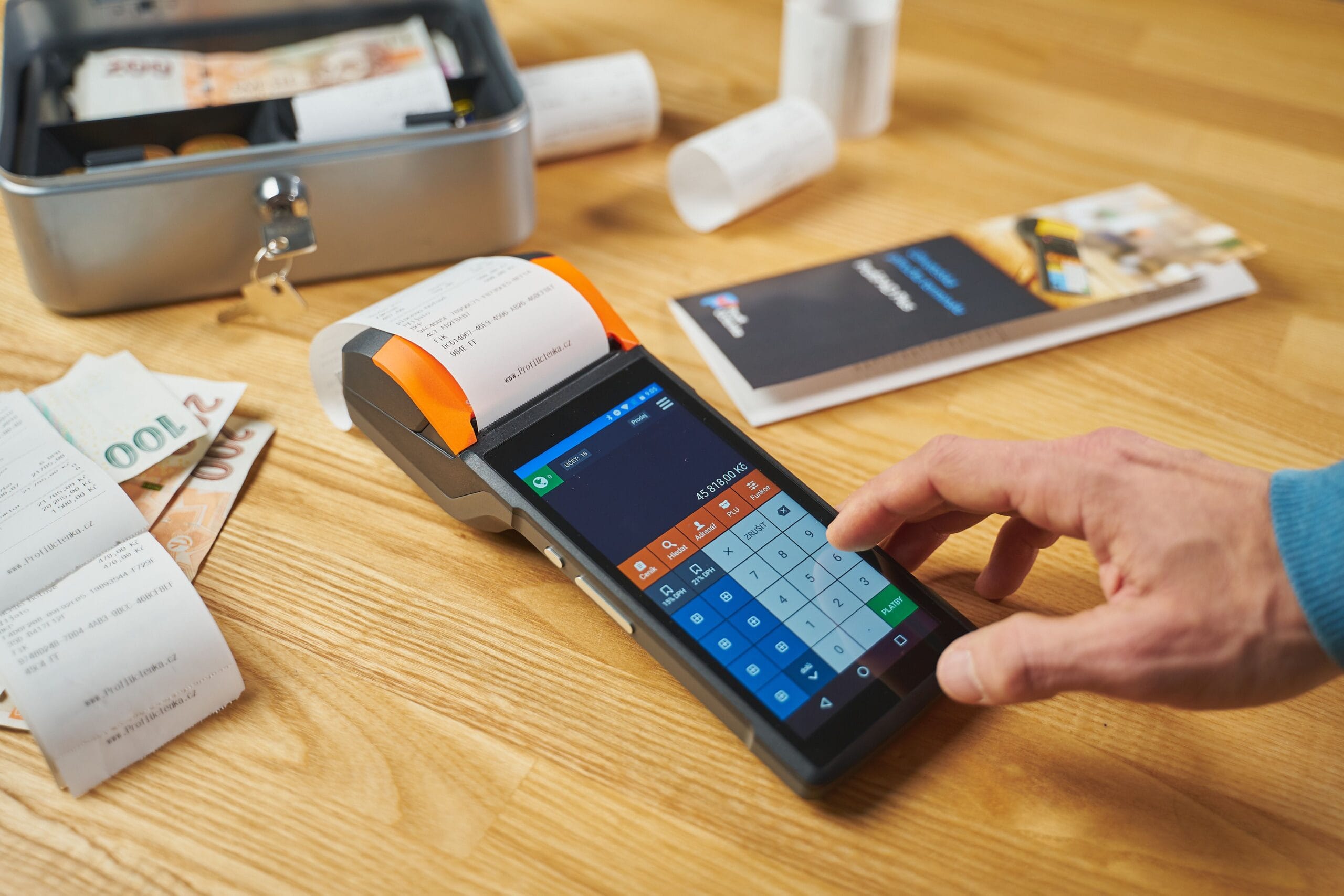
Purchase receipts can provide information about products, retailers, prices, shopping frequency, and other purchasing behavior. Some services use receipt information as part of consumer research and market research programs.
Receipt Hog, for example, explains that it is part of a market research company and that receipt information and survey responses may be used in research reports for brands and retailers.
The exact business model and data practices vary from one app to another, so do not assume every receipt service handles your data in the same way.
Are Receipt Scanning Apps Safe?
Legitimate receipt apps exist, but “legitimate” does not mean that every app is equally attractive.
Before signing up, look at:
- The company’s official website and app-store listing.
- The current terms and conditions.
- The privacy policy.
- The available payout methods.
- The rules governing receipt submission.
- Recent user feedback.
Pay particular attention to what information the app collects and whether it connects to your email, retailer accounts, or other services.
Do not give an unfamiliar service unnecessary access simply because it promises a few extra dollars.
How to Avoid Receipt App Scams
A genuine rewards app should not require you to pay money to unlock money you have supposedly already earned.
The Federal Trade Commission warns about task scams in which victims are shown fake earnings and then pressured to deposit their own money to unlock additional tasks or withdraw supposed earnings.
The basic rule is simple: never pay money to get paid.
Be especially skeptical of anyone who asks you to send cryptocurrency, purchase gift cards, pay an activation fee, or make a deposit before you can withdraw your supposed rewards.
For more legitimate small-income opportunities, see our guide to beer money apps that pay cash.
Do Receipt App Rewards Affect Your Credit Score?
Simply using a receipt-reward app does not normally create a credit inquiry or establish a credit account.
Uploading a receipt and receiving a reward is different from applying for a credit card or loan.
However, using a credit card to make the purchases is a separate matter. Any effect of that credit-card activity comes from the credit account itself, not from the receipt-reward app.
Can You Use Receipt Apps Outside the United States?
It depends entirely on the service.
Receipt Hog currently describes its program as available in the United States and Canada. Checkout 51 also currently supports the United States and Canada. CoinOut’s receipt rules specifically require receipts in U.S. dollars, while Ibotta’s standard program is primarily U.S.-focused.
Do not assume that a receipt app will work simply because its app is available for download in your country. Offers, participating retailers, payout options, and eligibility can all vary by market.
Are Receipt Rewards Taxable?
This is another area where older articles often make overly broad claims.
For U.S. readers, you should not treat a $600 threshold as a general tax-free limit. The IRS increased the information-reporting threshold for certain payments to $2,000 for payments made after December 31, 2025, but a reporting threshold and the question of whether a payment is taxable are not the same thing.
The tax treatment can also depend on why you received the reward.
Some purchase-related rebates are treated as reductions to the purchase price rather than taxable income. Other types of rewards, such as payments for services, referrals, prizes, or other activities, can be treated differently.
Because receipt reward programs can have different earning mechanisms, keep reasonable records of your rewards and check current IRS guidance or speak with a qualified tax professional when the amounts become significant.
Which Receipt App Is Best for You?
| What you want | Best starting point |
|---|---|
| Direct cash back on qualifying purchases | Ibotta |
| Cash from ordinary receipts | Receipt Hog |
| Weekly grocery cashback offers | Checkout 51 |
| Receipts plus additional earning methods | CoinOut |
| Gift cards from receipt scanning | Fetch |
Final Verdict
The best receipt scanning apps can turn ordinary shopping into a small stream of extra rewards, but they are not a shortcut to substantial income.
Ibotta is my top choice when the goal is direct cash back on qualifying purchases.
Receipt Hog is the better fit if you want to submit ordinary paper or digital receipts and eventually redeem the rewards through PayPal.
Checkout 51 makes sense for shoppers who like checking weekly grocery offers before buying.
CoinOut is worth considering if you want receipt scanning combined with additional earning and account-connection features.
Fetch remains useful if gift cards work for you, but it should not be marketed as a direct-cash receipt app because its current terms state that its points have no cash value.
The most important rule is the simplest one: do not spend extra money just to earn a reward. The best receipt app is the one that gives you something back from purchases you were already going to make.
For more ways to turn small amounts of spare time or everyday activities into extra money, explore our cashback apps guide, legitimate survey sites that pay via PayPal, and micro-task apps that pay via PayPal.
Frequently Asked Questions
What is the best receipt scanning app for cash?
Ibotta is one of the strongest options when your priority is direct cash back because eligible users can withdraw earnings to PayPal or a bank account after meeting its current withdrawal requirements, including a $20 earnings threshold.
What receipt apps pay through PayPal?
Ibotta, Receipt Hog, Checkout 51, and CoinOut currently have PayPal redemption options, although their requirements and available redemption amounts are different.
Does Fetch pay cash?
Not directly. Fetch currently promotes gift-card rewards, and its Terms of Service state that Fetch points have no cash or monetary value and cannot be redeemed for cash.
What is the best app for scanning grocery receipts?
There is no universal winner. Ibotta is particularly useful when your grocery purchases match cashback offers. Receipt Hog can be a better fit when you want rewards for everyday receipts without relying primarily on product-specific offers.
Can you make money just by scanning receipts?
Yes, but the rewards are generally modest. Your results depend on your shopping frequency, eligible receipts, available offers, account status, and the amount of time you spend using each app.
Can you use the same receipt on multiple receipt apps?
It may be possible with some different programs, but the rules vary. Never assume duplicate submissions are allowed. Check the current terms for every app you use.
How quickly can I cash out?
The answer varies considerably. Ibotta says withdrawals can take 0 to 5 days after you meet its requirements, while Receipt Hog says it will attempt to process redemption requests within seven days. Checkout 51 states that cash-out requests are subject to review.
Are receipt scanning apps legitimate?
Yes, there are legitimate receipt reward programs. However, legitimacy does not guarantee high earnings or a friction-free experience. Check the payout rules, privacy policy, receipt requirements, and recent user feedback before committing your time or shopping data.
Do receipt scanning apps work internationally?
Some do, but availability is highly location-dependent. Receipt Hog and Checkout 51 currently support the United States and Canada, while other programs have different geographic requirements. Check the current country rules before relying on an app.
Do I have to spend extra money to earn receipt rewards?
No. In fact, spending extra just to earn a reward defeats much of the purpose. The better strategy is to use receipt apps on purchases you already planned to make.
Are receipt app rewards taxable?
It depends on the type of reward and the circumstances. U.S. readers should not use an information-reporting threshold as a general tax-free limit. Some purchase rebates can be treated differently from rewards earned for referrals, services, prizes, or other activities.
Official Sources and Further Reading
Because payout rules and reward programs can change, the following first-party sources were used to verify the key details in this article.
- Ibotta. Withdrawal methods and requirements
- Ibotta. Where the service works
- Ibotta. How the app works
- Receipt Hog. Coins and redemption values
- Receipt Hog. Cash-out options and processing
- Receipt Hog. Current terms and conditions
- Checkout 51. How it works and eligibility rules
- Checkout 51. Cash-out options
- CoinOut. Current terms and receipt requirements
- CoinOut. Levels and redemption options
- CoinOut. Current reward types
- Fetch. Receipt scanning and rewards
- Fetch. Terms of Service
- IRS. 2026 information-reporting threshold changes
- IRS. Taxable and Nontaxable Income
- IRS. Purchase rebates and information reporting
Editorial note: Money For My Beer may earn commissions from some links. Affiliate relationships do not determine our recommendations. See our Disclosure Policy for more information.
For more information about who runs the site and how we research and update articles, visit our About Money For My Beer page.
Also Read: Swagbucks vs Prolific: Which Pays Better for Quick Cash?
Well, what do you think about the article?
Did you enjoy reading “Best Receipt Scanning Apps for Cash (2026): 4 That Actually Pay”? We really hope that you have enjoyed.
If you have any thoughts or comments about this post, please feel free to share them in the comment section below. We appreciate your feedback and would be glad to hear from you.
To see more content like this check the Beermoney section of Money For My Beer.

Chief Editor and Website Owner.
Hi, I’m Ryan. I write and edit everything on this site, which means I’m the last set of eyes on every post before it goes live. By day I’m a technical architect. I design and build enterprise systems, apps, websites, and the occasional game.
This site started because I wanted one place where money advice for regular people doesn’t read like it was written by a finance robot. My goal is simple: every article should be genuinely useful, actually tested against what real people are searching for, and written in plain English. No jargon, no “get rich quick,” no advice I wouldn’t follow myself.
You’ll see a lot of topics here that lean on my engineering background: software reviews, tools, and tech-adjacent money stuff. Where a topic needs real financial expertise, I say so plainly and point you to qualified sources rather than pretending.