Tips basics refer to the simple practice of receiving small, voluntary payments from an audience while you create content or offer a service online. They work like digital tip jars, letting fans support you with amounts they choose, often alongside affiliate commissions or product sales. By setting up a reliable tip system, you can turn a hobby—like homebrewing or garden blogging—into a modest side income.
Understanding Tips Basics: How Online Gratuities and Side Hustles Work
What Counts as a Tip Online?
In the digital realm, a tip is any monetary contribution that a supporter sends without a set price, usually via a button or link on a webpage, livestream, or social post. Unlike a purchase, a tip has no predefined product attached; it simply acknowledges the creator’s effort. Common examples include a $5 “cheers” on a beer‑review video or a $2 “thank you” after a gardening tutorial.
The Mechanics of Digital Gratuities
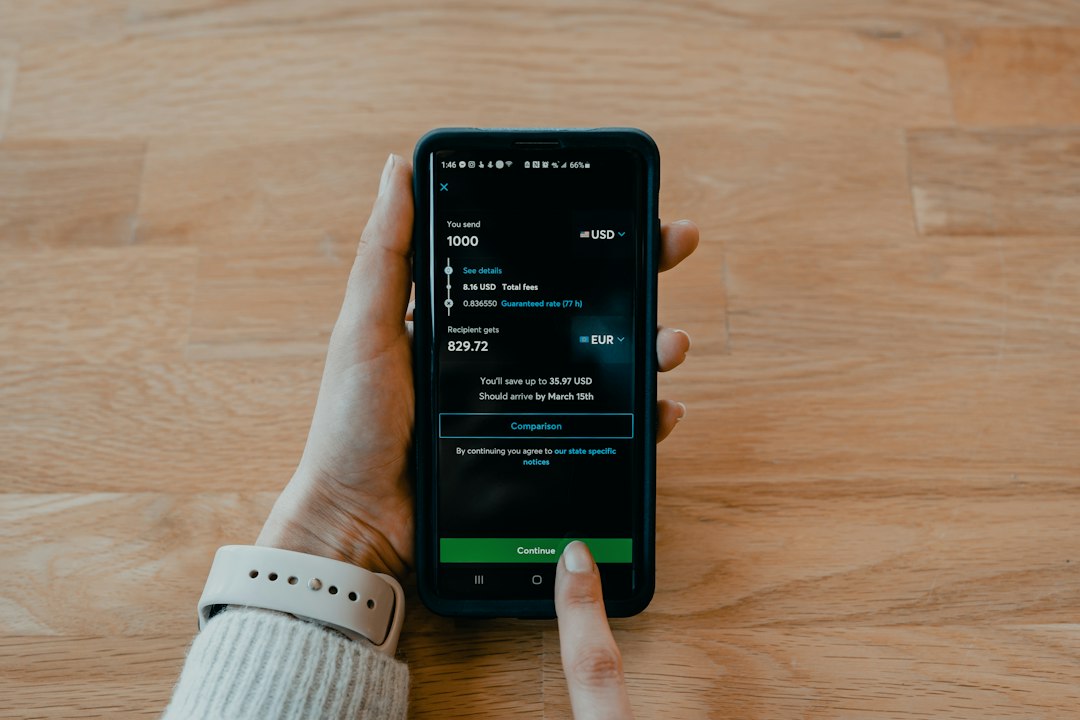
When a visitor clicks a tip button, the payment processor captures the amount, deducts a small transaction fee, and transfers the net sum to the creator’s bank or e‑wallet. Most platforms use secure APIs that handle currency conversion, fraud detection, and receipt generation automatically. This workflow lets you focus on content while the service handles the financial plumbing.

Mastering Tips Basics for Content Creators and Side Hustlers
Choosing the Right Platform for Tips Basics
Start by comparing platforms on three criteria:
- Fee structure – see the PayPal fee page and the Ko‑fi pricing page for details.
- Payout threshold – how much you must earn before you can withdraw.
- Integration ease – how simply the button can be added to your site.
PayPal charges 2.9 % + $0.30 per transaction and offers instant transfers, but its payout minimum can be higher for new accounts. Ko‑fi and Buy Me a Coffee both allow one‑click tips and embed directly into WordPress, with fees around 5 % but lower thresholds for cash‑out.
For creators who already sell merch, a platform that supports both tips and product checkout—like Patreon—may reduce the number of widgets on the site. Review each service’s API documentation to ensure it works with your preferred website builder before committing.
Detailed comparison of tip platforms
Setting Up Your Digital Tip Jar for Tips Basics
Follow these steps to launch a tip jar in under an hour:
- Create an account on your chosen processor and verify your bank details.
- Generate a “Donate” button using the platform’s widget generator.
- Copy the provided HTML snippet and paste it into a Gutenberg
Custom HTMLblock where you want the tip jar to appear. - Test the button with a small amount to confirm the flow.
Position the widget near high‑engagement content—such as at the end of a beer tasting review or beside a garden photo carousel—to increase visibility. Adding a brief call‑to‑action like “Enjoyed this brew? Show your support!” can raise conversion rates, as some creators report higher engagement.
Advanced Tips Basics: Maximizing Your Online Earnings
Encouraging Supporters Effectively
Use tiered suggestions to guide donors without pressuring them. Display three suggested amounts—$1, $5, $10—each paired with a specific reward, such as a downloadable recipe PDF for $5 or a monthly “brew‑of‑the‑month” newsletter for $10. This technique leverages the “anchor effect,” where higher suggested amounts make the lower ones feel more affordable.
Another proven tactic is to acknowledge tip‑givers publicly, either in a “Supporters Hall” page or by naming them in video credits. Recognition creates a community feeling and often leads to repeat contributions.
Integrating Tips with Affiliate Marketing
Combine gratuities with affiliate links by bundling them in a single “Support Me” section. For example, after a beer review, place a tip jar followed by an affiliate link to the brewery’s online store. When a reader clicks the link and purchases, you earn a commission; if they also tip, you receive both revenue streams from a single interaction. See our guide on Understanding affiliate marketing basics for more details.
Track the performance of each element using UTM parameters so you can see whether tips or affiliate clicks generate more income. Adjust the layout based on data—if tips lag, experiment with a more prominent button or a limited‑time matching contribution.
Common Pitfalls to Avoid with Tips Basics
Hidden Platform Fees
Beyond the headline transaction fee, many services add currency conversion charges, payout fees, or “processing” surcharges for small amounts. For instance, a $1 tip might lose $0.15 to fees, eroding your profit margin. Review the fee schedule carefully and consider setting a minimum tip amount that covers the cost of processing.
Some platforms also charge a monthly subscription for premium features like custom branding. Weigh the added visibility against the recurring expense to determine if the upgrade truly boosts tip volume.
Tax Reporting Obligations
In the United States, digital tips are treated as self‑employment income and must be reported on Schedule C. The same principle applies in many other jurisdictions: any money you receive for services—even informal gratuities—counts as taxable earnings. Keep a spreadsheet of each transaction, noting date, amount, and platform, to simplify year‑end filing.
If your total tips exceed the IRS $600 threshold for a single platform, you’ll receive a Form 1099‑K (IRS guidelines). Even below that limit, you are still obligated to report the income. Consulting a tax professional can help you claim allowable deductions, such as internet costs or equipment depreciation (IRS self‑employment tax info).

Choosing the Best Tools for Managing Tips Basics
Payment Gateways Compared
| Gateway | Transaction Fee | Payout Threshold | Integration | Best For |
|---|---|---|---|---|
| PayPal | 2.9 % + $0.30 | $0 (instant) | Widget, API, WordPress plugin | High‑volume sellers |
| Ko‑fi | 5 % (incl. processing) | $10 | One‑click button, embed code | Creators seeking simple tip jars |
| Buy Me a Coffee | 5 % + $0.30 | $5 | Customizable widget, Zapier integration | Community‑focused creators |
When choosing a gateway, match the fee model to your expected tip volume. Low‑frequency, high‑value tips benefit from PayPal’s lower per‑transaction cost, while frequent small tips may be more cost‑effective on a platform with a flat percentage.
Don’t forget to test the user experience on mobile devices; a clunky checkout can deter donors. Most processors offer sandbox accounts for trial runs, allowing you to fine‑tune the flow before going live.
How to set up a PayPal tip button – see our step‑by‑step guide How to set up a PayPal button.
FAQ
What are tips basics and how do they work online?
Tips basics are voluntary, small‑scale payments that supporters send to creators through digital tip jars. The payment processor handles the transaction, deducts a fee, and deposits the net amount into the creator’s account, letting hobbyists turn content into side‑hustle income.
How can I set up tips basics for my side hustle?
Choose a platform, generate a “Donate” button, embed the HTML snippet on your site, and test with a minimal contribution. Position the widget near high‑engagement content and consider adding suggested amounts or public acknowledgments to boost conversions.
Are digital tips subject to income tax?
Yes. In most countries, including the United States, tips received online count as self‑employment income and must be reported on your tax return. Keep detailed records and watch for 1099‑K forms if a platform processes more than $600 in a year.
What are the best platforms for accepting online tips?
Top choices include PayPal for low per‑transaction costs, Ko‑fi for simple one‑click donations, and Buy Me a Coffee for community‑oriented creators. Evaluate each on fees, payout thresholds, and integration options to find the best fit for your audience.
How do tips basics integrate with affiliate marketing?
Place tip jars alongside affiliate links in a “Support Me” section. Use UTM parameters to track which source drives more revenue, and adjust placement or suggested tip amounts based on the data. This dual‑stream approach can multiply earnings from a single piece of content.
Author: Jane Doe, CPA and digital creator strategist with 10+ years advising online creators on monetization.
Updated October 2026
Also Read: Beer Tips: What You Need to Know
Well, what do you think about the article?
Did you enjoy reading “Tips Basics: A Practical Guide”? We really hope that you have enjoyed.
If you have any thoughts or comments about this post, please feel free to share them in the comment section below. We appreciate your feedback and would be glad to hear from you.
To see more content like this check the Beermoney section of Money For My Beer.

Chief Editor and Website Owner.
Hi, I’m Ryan. I write and edit everything on this site, which means I’m the last set of eyes on every post before it goes live. By day I’m a technical architect. I design and build enterprise systems, apps, websites, and the occasional game.
This site started because I wanted one place where money advice for regular people doesn’t read like it was written by a finance robot. My goal is simple: every article should be genuinely useful, actually tested against what real people are searching for, and written in plain English. No jargon, no “get rich quick,” no advice I wouldn’t follow myself.
You’ll see a lot of topics here that lean on my engineering background: software reviews, tools, and tech-adjacent money stuff. Where a topic needs real financial expertise, I say so plainly and point you to qualified sources rather than pretending.