Transcribing audio files lets you earn money by turning spoken recordings into written text, using just a computer, headphones, and good typing skills. Learning how to make money transcribing audio files is straightforward. Beginners can start with simple interview or podcast clips. They get paid per audio minute and enjoy the flexibility of a true work‑from‑home side hustle. No formal degree is required—only a reliable internet connection and a willingness to practice.
| Platform | Typical Pay (per audio minute) | Payment Frequency | Entry Test | Best For |
|---|---|---|---|---|
| Rev | approximately $0.30 – $1.00[1] | Weekly | Short transcription sample | Beginners seeking steady flow |
| TranscribeMe | approximately $0.25 – $0.80[2] | Bi‑weekly | Grammar and typing test | Those who prefer short micro‑tasks |
| Scribie | approximately $0.30 – $0.90[3] | Weekly | Audio sample with 90% accuracy | Transcribers comfortable with quality checks |
| GoTranscript | approximately $0.35 – $0.95[4] | Weekly | Two‑step assessment (typing & listening) | Workers who like longer files |
How to make money transcribing audio files as a beginner
What does an audio transcriber actually do?
Audio transcribers listen to recordings and type every spoken word, speaker label, and relevant non‑verbal cue into a text document. The output must match the source audio in spelling, punctuation, and timestamps when required. For example, a 10‑minute interview might become a 1,200‑word transcript with speaker tags like “Interviewer:” and “Guest:”.
Accuracy matters more than speed at the start; most platforms require a minimum 85%‑90% accuracy on the test file before you can accept paid gigs. Over time, you’ll learn to balance speed with precision to meet client deadlines.
Essential gear and software you need to start
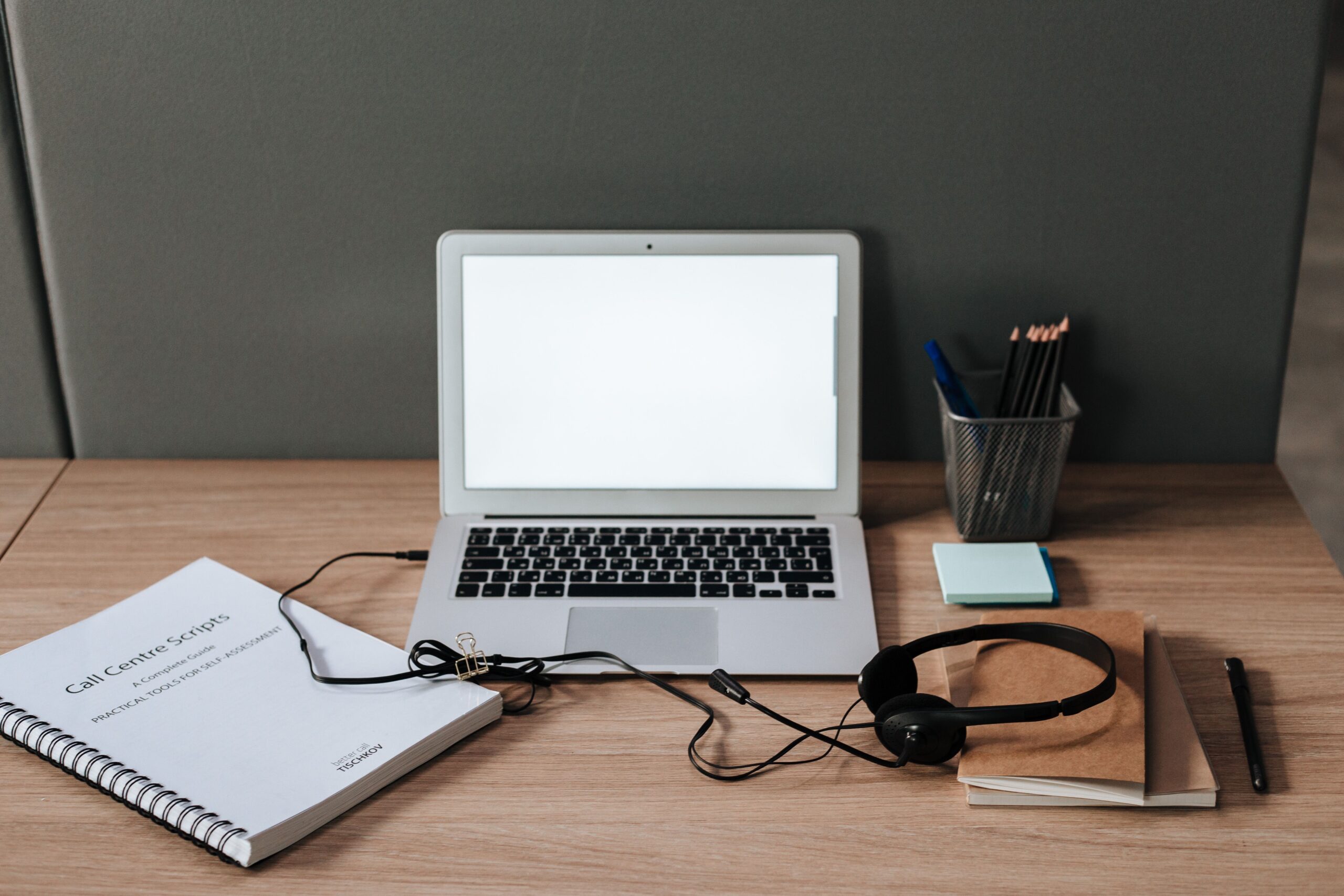
A reliable computer with at least 8 GB RAM and a stable broadband connection (≥5 Mbps download) ensures smooth playback of audio files. Windows, macOS, or Linux all work, but choose the OS you’re most comfortable with.
Headphones with good sound isolation reduce background noise and help you catch faint speech. Over‑ear models with a flat frequency response are preferred over cheap earbuds.
Transcription software such as Express Scribe (free version) or oTranscribe provides playback controls, foot‑pedal integration, and automatic timestamps. Many platforms also supply a web‑based editor, but a dedicated app can speed up the workflow. For a full list of tools, see our guide on Top typing tools for transcribers.
Optional foot pedal lets you control play, pause, and rewind with your feet, freeing both hands for typing. While not required for entry‑level work, a pedal becomes valuable as you take on longer files.
Best platforms for freelance transcribers to find entry‑level gigs
Top beginner‑friendly transcription websites
Rev offers a simple application process and weekly payouts, making it a solid first stop for newcomers. After passing a short test, you can select from a pool of general‑content files.
TranscribeMe breaks jobs into “micro‑tasks” that last 2–5 minutes each, allowing you to build confidence quickly. Payments are released twice a month, and the platform provides a built‑in editor.
Scribie requires a 90% accuracy score on a sample file but then offers flexible scheduling and weekly payouts. The platform also provides a “premium” tier for higher‑paying, proofread‑only work.
GoTranscript is known for its transparent pricing and weekly direct deposits. This aligns with the freelance typing jobs that pay weekly.
These sites collectively represent the best platforms for freelance transcribers seeking entry‑level opportunities without prior experience.
General vs. specialized transcription niches
General transcription covers podcasts, webinars, and interview clips, offering the widest job pool. Rates are modest, but volume can be high for diligent workers.
Specialized niches such as medical, legal, or market‑research transcription pay more per minute but often require industry‑specific terminology knowledge or certification. Beginners should master general work before branching into these higher‑pay segments.
How to start audio transcription online and build a workflow

Setting up your home workspace for speed
Ergonomics boost productivity. Position your monitor at eye level, keep your keyboard and mouse within easy reach, and use a chair that supports your lower back. A comfortable setup reduces fatigue, letting you maintain a steady typing speed of 65–80 wpm. For tips on creating an efficient setup, read our article on Setting up a home office for freelancers.
Minimize distractions by turning off non‑essential notifications and using a dedicated browser profile for transcription work. Many transcribers employ “focus mode” extensions that block social media during work blocks.
Using text expanders and foot pedals effectively
Text expanders let you type shortcuts that auto‑replace with longer phrases, timestamps, or speaker labels. For example, typing “int:” could expand to “Interviewer:” in seconds, cutting repetitive keystrokes.
Foot pedals operate the audio player with your feet, so you never have to leave the keyboard. A typical three‑button pedal assigns play/pause, rewind, and fast‑forward, dramatically increasing transcription speed once you’re accustomed to the rhythm.
Batch processing further improves efficiency. Start by listening to the entire file and noting timestamps for speaker changes. Then transcribe in focused 10‑minute bursts, using shortcuts to insert timestamps automatically.
Finding freelance typing jobs that pay weekly
Platforms offering weekly direct deposits
Rev and GoTranscript both issue weekly direct deposits via PayPal or bank transfer. This aligns with the desire for fast cash flow.
Upwork’s “Direct Contracts” feature lets you negotiate weekly invoices directly with clients, bypassing platform fees for repeat work. This approach works well once you’ve built a reputation on the site.
For those who value immediate earnings, the Instant Payout Micro Jobs guide outlines six platforms that release funds within 24 hours; many of those also list transcription gigs.
Instant payout guideTransitioning from platforms to direct clients for higher rates
Build a portfolio by exporting a few high‑quality transcripts (with client permission) and uploading them to a personal website or LinkedIn profile. Prospective clients often request samples before hiring.
Reach out on freelance marketplaces such as Fiverr or Freelancer and pitch custom transcription packages. Direct contracts allow you to set your own rates, typically $15–$30 per audio hour, which exceeds most platform averages.
Freelancing guideBuilding a sustainable work‑from‑home transcription side hustle

How to calculate your true per‑hour earnings
Track every minute you spend on a file, including listening, typing, and editing. Divide the total payment by the total hours worked to reveal your effective hourly rate. For instance, a $12 payment for a 30‑minute file that took you 45 minutes results in a $16 per hour rate.
Factor in taxes and fees. As an independent contractor, you’ll need to set aside roughly 25–30% of earnings for self‑employment tax and platform fees. Adjust your target rate accordingly to maintain profitability.
Avoiding low‑paying mills and managing deadlines
Screen new gigs carefully. If a platform promises $0.10 per audio minute, it likely falls below sustainable earnings after accounting for time and overhead. Prioritize sites that publish clear payout structures.
Set realistic deadlines by adding a 20% buffer to the estimated transcription time. Communicate any extensions early to keep client relationships positive and avoid last‑minute stress.
Take regular breaks to prevent burnout. The Pomodoro technique—25 minutes of focused work followed by a 5‑minute break—helps maintain concentration and reduces repetitive‑strain injuries.
FAQ
How to make money transcribing audio files with no prior experience?
Start by signing up on beginner‑friendly platforms like Rev or TranscribeMe, pass their short accuracy test, and begin with short, general‑content files. Equip yourself with headphones, a reliable computer, and free transcription software to deliver accurate work while you build speed.
What are the best transcription jobs for beginners working from home?
The top options include Rev, TranscribeMe, Scribie, and GoTranscript. These sites offer low‑entry barriers, weekly payouts, and flexible scheduling, making them ideal for newcomers seeking consistent income.
How much money can a part‑time audio transcriber expect to make?
Earnings vary by platform and speed, but most beginners earn between $10 and $20 per audio hour after accounting for taxes. As you improve accuracy and take on higher‑paying niches, rates can rise to $30‑$40 per hour.
Do I need a foot pedal to start working as a transcriptionist?
A foot pedal is optional for entry‑level work. It becomes valuable once you handle longer files and aim to increase speed, but many beginners succeed using keyboard shortcuts and mouse controls alone.
Many find that a work from home transcription side hustle fits well with other part‑time commitments.
- Rev rate information
- TranscribeMe rate information
- Scribie rate information
- GoTranscript rate information
Also Read: Legit Data Entry Side Hustles With Daily Payouts in 2026
Well, what do you think about the article?
Did you enjoy reading “How to Make Money Transcribing Audio Files From Home”? We really hope that you have enjoyed.
If you have any thoughts or comments about this post, please feel free to share them in the comment section below. We appreciate your feedback and would be glad to hear from you.
To see more content like this check the Beermoney section of Money For My Beer.

Chief Editor and Website Owner.
Hi, I’m Ryan. I write and edit everything on this site, which means I’m the last set of eyes on every post before it goes live. By day I’m a technical architect. I design and build enterprise systems, apps, websites, and the occasional game.
This site started because I wanted one place where money advice for regular people doesn’t read like it was written by a finance robot. My goal is simple: every article should be genuinely useful, actually tested against what real people are searching for, and written in plain English. No jargon, no “get rich quick,” no advice I wouldn’t follow myself.
You’ll see a lot of topics here that lean on my engineering background: software reviews, tools, and tech-adjacent money stuff. Where a topic needs real financial expertise, I say so plainly and point you to qualified sources rather than pretending.