Paid user testing lets you earn about $10 for a single 20‑minute review of a website or mobile app. Companies pay for your honest feedback because it helps them fix usability problems before launch. All you need is a computer, a microphone, and a willingness to follow a short script.
Updated November 2026
What Is Paid User Testing and How Do You Make $10 Per Review?
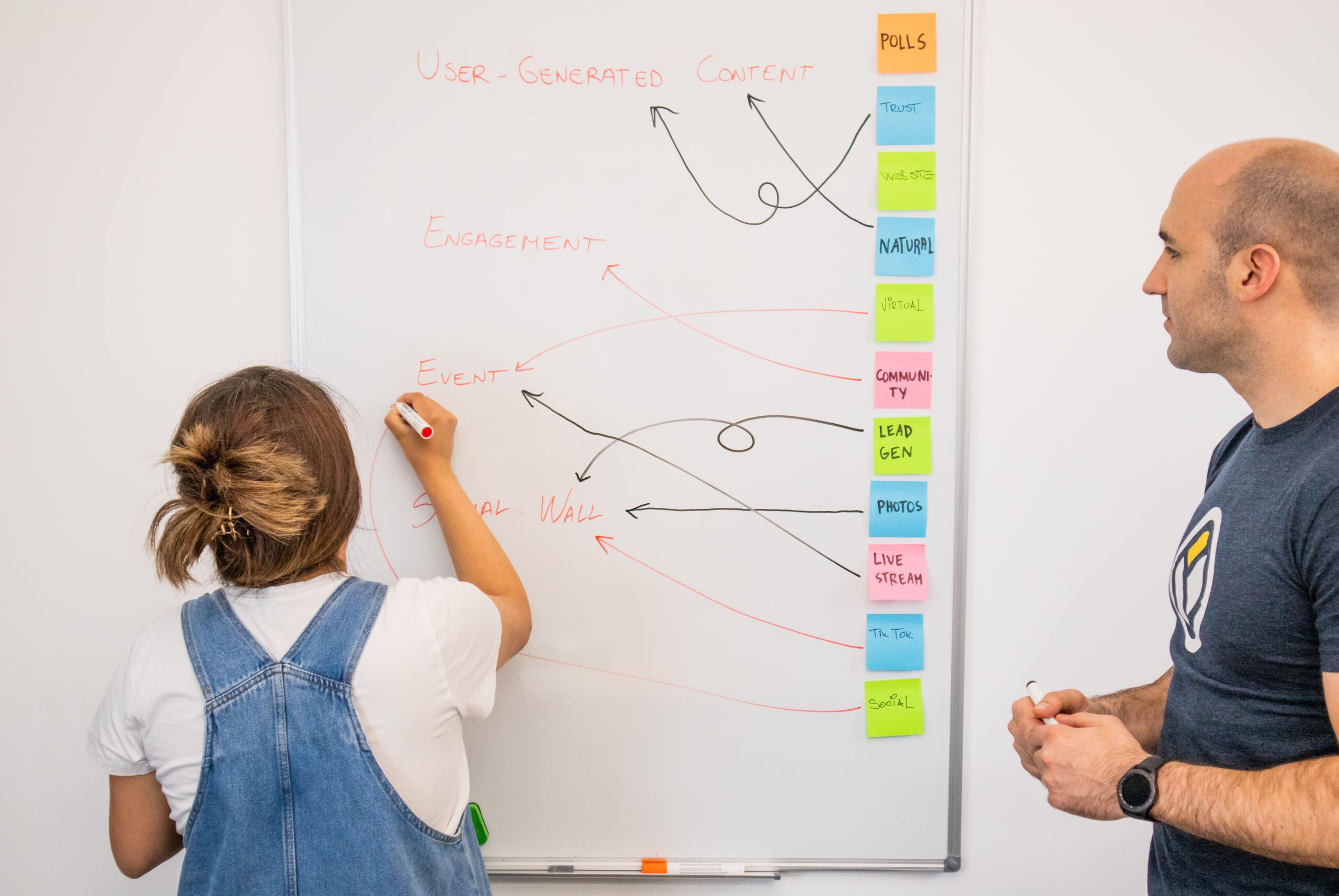
Paid user testing is a form of remote usability study where real users interact with a prototype while thinking out loud. The session is recorded, and the client receives a written or video report. Most platforms pay a flat rate—often $10—for a 20‑minute moderated test that follows a predefined task list.
How a Standard 20‑Minute Test Works
First, you receive a short invitation via email or the platform’s dashboard. It includes a link to the test, a set of tasks (e.g., “find the checkout button”), and a recording tool. You then start the timer, complete the tasks while narrating your thoughts, and stop after roughly 20 minutes. Finally, you submit the video and a brief written summary to receive payment.
Key steps are: 1) Accept the invitation, 2) Check your equipment, 3) Record the session, 4) Upload the file, 5) Get paid.
Why Companies Pay for Website and App Testing
Usability problems cost businesses money—slow checkout flows can shave 5% off conversion rates. By paying real users to spot friction points, companies reduce redesign costs and improve user satisfaction. The data collected is also useful for compliance audits and accessibility reviews.
Best Platforms for Paid User Testing With Low Entry Barriers
| Platform | Avg Payout (20 min) | Payment Method | Typical Approval Rate | Best For |
|---|---|---|---|---|
| UserTesting | Varies per study | PayPal, Direct Deposit | Varies | Beginners who like live moderation |
| TryMyUI | Varies per study | PayPal | Varies | Simple UI and quick payouts |
| Userlytics | Varies per study | PayPal, Skrill | Varies | International testers |
| TestingTime | Varies per study | PayPal, Bank Transfer | Varies | Higher‑paying niche studies |
| Validately | Varies per study | PayPal, ACH | Varies | Mobile‑app focused projects |
These platforms accept beginners, but each has its own screening process. Below we break down what you need to know before you apply.
Top Sites to Test Websites for Money
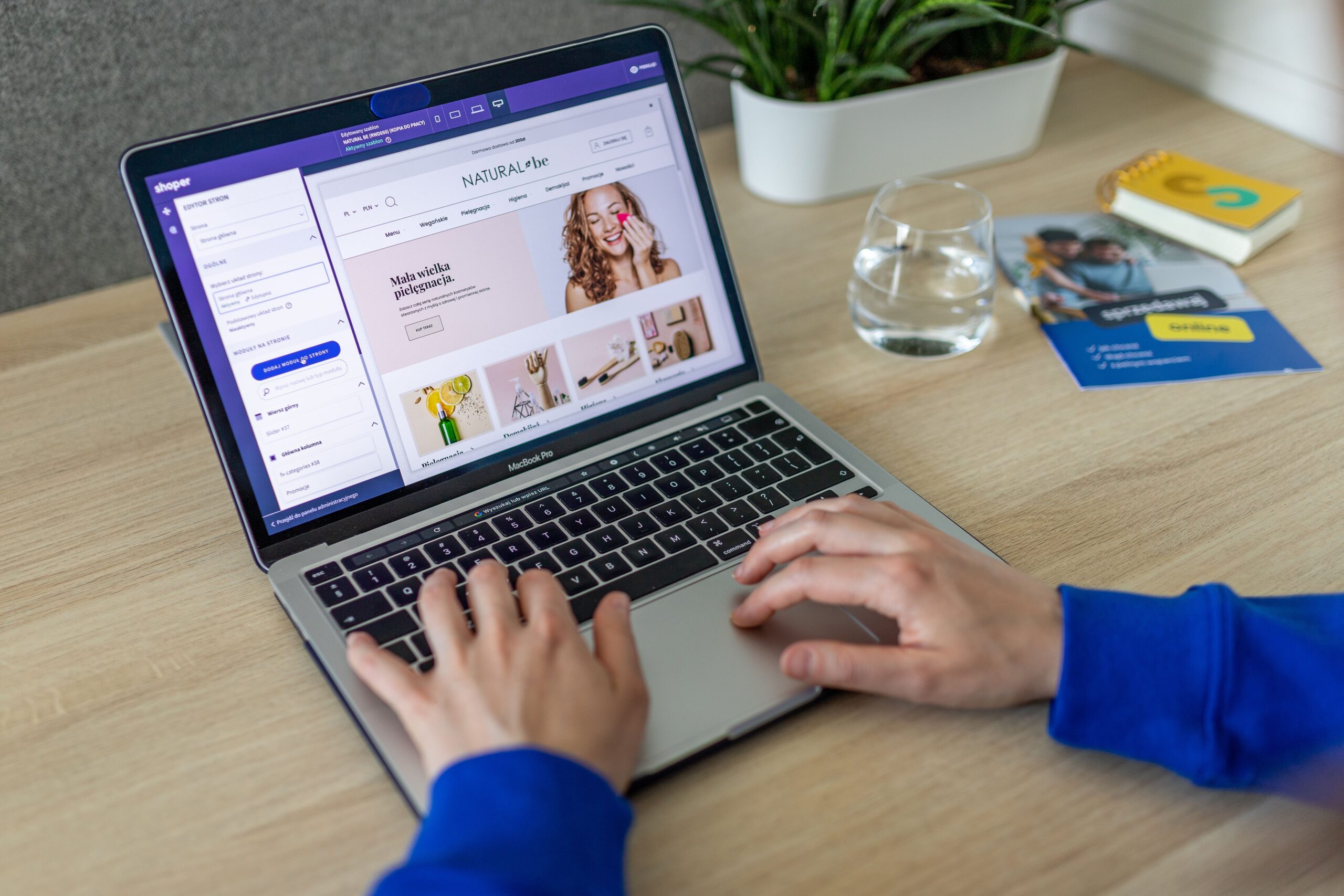
UserTesting offers a straightforward dashboard and pays via PayPal within a few days of approval. The platform runs live moderated sessions, which means you’ll speak to a client in real time.
TryMyUI provides a pre‑recorded script and a built‑in recorder, making it easy to submit your video. Payments are processed weekly, and the minimum cash‑out is modest.
Userlytics supports both moderated and unmoderated studies, giving you flexibility. They often pay higher rates for niche markets like healthcare or finance.
TestingTime focuses on longer, higher‑paying tasks (often 30‑45 minutes). If you can handle a longer session, the hourly rate can exceed typical micro‑task platform earnings.
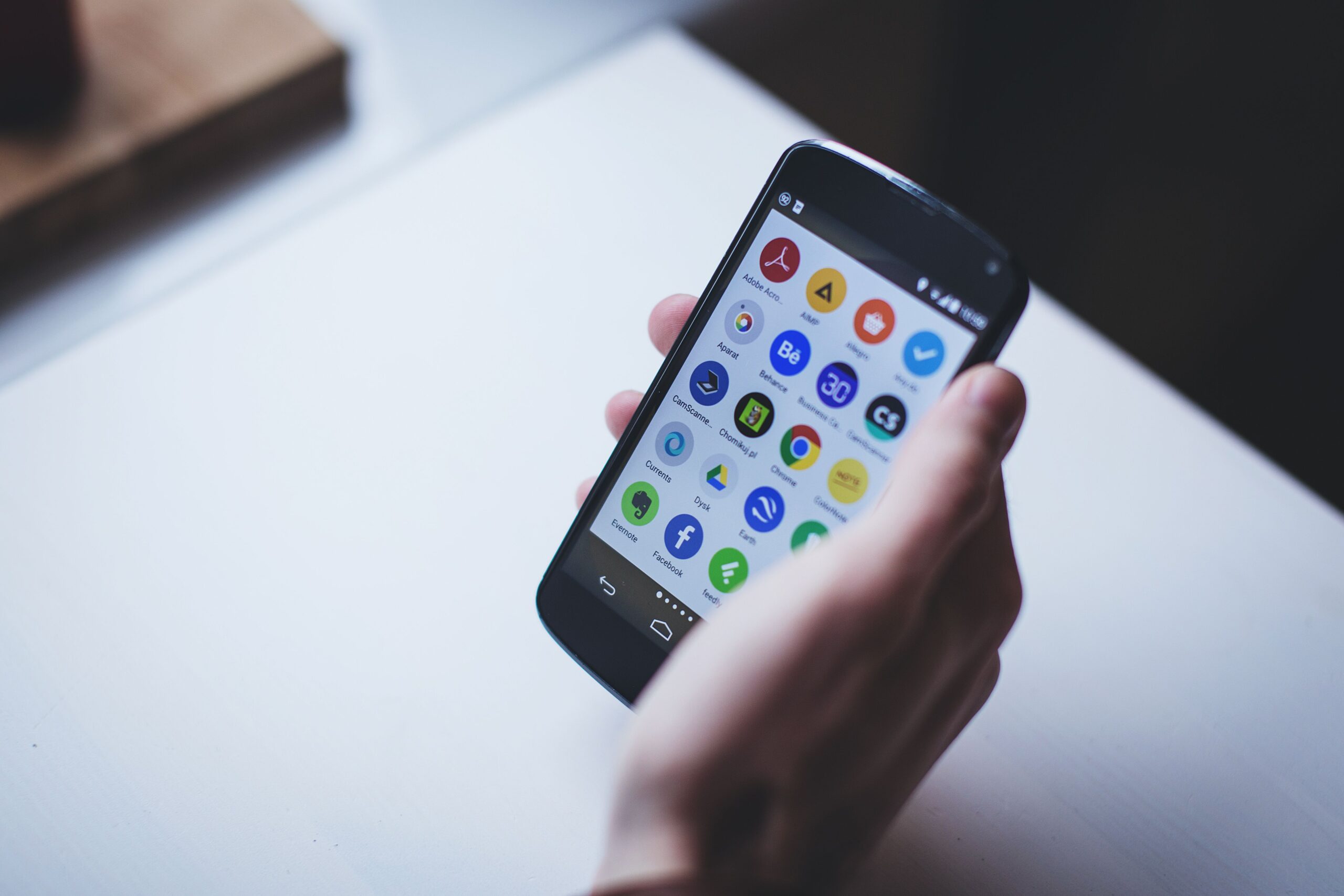
Validately specializes in mobile‑app testing, offering higher payouts for iOS and Android studies. A reliable internet connection and a recent smartphone are required.
For a broader look at legit testing opportunities, see our guide on
What You Need to Get Approved
First, create a clear profile photo and write a concise bio that mentions your age range, tech proficiency, and any special demographics (e.g., “parent of two, frequent mobile shopper”). Platforms use this data to match you with target users.
Second, complete the platform’s practice test. It usually involves navigating a demo site while recording your screen. A common pitfall is speaking too quietly; ensure your microphone picks up clear audio.
Third, verify your payment method. PayPal is the most widely accepted, but some sites also offer direct bank transfers. Keep a copy of your tax information handy, as many platforms issue 1099‑NEC forms in the U.S.
How to Maximize Your Usertesting Earnings as a Beginner
Even as a newcomer, you can boost your invitation rate by treating each test like a job interview. Small adjustments in your profile and equipment can raise your acceptance odds.
Passing Practice Tests and Screening Surveys
Most platforms require you to finish a short screening survey before the actual test. Answer honestly—if a client is looking for “tech‑savvy millennials,” claiming you’re a senior may lead to disqualification later.
When you take a practice test, follow the script exactly. Speak aloud every click (“I’m clicking the ‘Add to Cart’ button”) and avoid long pauses. Review the recorded video before submitting; a clean, uninterrupted clip signals professionalism.
After a successful practice, many sites automatically flag you for future invitations. Keep your profile status “Active” and turn on email alerts so you never miss a new test.
Setting Up Your Recording Equipment
A reliable headset with a built‑in mic costs under $30 and eliminates background noise. Position the microphone about an inch from your mouth and use a pop filter if possible.
For screen capture, the free tool OBS Studio works on Windows, macOS, and Linux. Set the video resolution to 720p; higher resolutions increase file size without improving reviewer clarity.
Test your setup before each session. Record a 10‑second clip, play it back, and confirm that both audio and video are synced. A quick check prevents rejections due to technical issues.
Exploring Alternative Online App Testing and Micro‑Task Platforms
If you want to diversify income, consider unmoderated studies and micro‑task platforms that pay per click, transcription, or short surveys. These gigs can fill the gaps between higher‑paying user tests.
Unmoderated vs Moderated Live Sessions
Unmoderated tests let you complete tasks on your own schedule. You receive a written script, record your screen, and upload the video later. Payouts range from $5 to $15 per 15‑minute test, but acceptance rates are lower because you must meet strict quality standards.
Moderated live sessions involve a real‑time video call with a researcher. They tend to pay $10 – $12 for 20 minutes, and the live interaction often results in higher acceptance because the researcher can clarify instructions.
Both formats have pros and cons. Unmoderated work offers flexibility, while moderated sessions provide a steadier stream of invitations. Choose the mix that fits your schedule.
Other Side Hustles for Extra Cash
Beyond testing, platforms like Amazon Mechanical Turk and Clickworker pay for data‑labeling, short surveys, and content moderation. These micro‑tasks usually earn $0.05 – $0.30 per task, but they can add up if you complete them in batches.
For a curated list of micro‑task sites that have no withdrawal fee, see
If you prefer faster payouts, explore platforms that pay via PayPal within 24 hours, such as the ones highlighted in
Realistic Expectations: Income Limits and Common Pitfalls
While a single test can net $10, many testers find that earnings vary widely based on invitation volume, study type, and platform. Income is typically modest and should be considered supplemental.
Why You Won’t Get Constant Tests
Clients target specific demographics for each study. If you fall outside the required age, gender, or tech‑usage profile, you won’t be invited. This natural filtering keeps the market from flooding with testers.
Additionally, platforms rotate testers to avoid bias. Even high‑performing users see a dip in invitations after a few weeks, which is normal.
Avoiding Common Scams and Fees
Never pay a fee to join a testing platform. Legit sites earn money from client contracts, not from tester subscriptions. If a site asks for a “membership fee” before you can start testing, it’s a red flag.
Watch out for “ghost” payments. Some fraudulent platforms promise $10 per test but never release the funds. Verify payout methods on the platform’s FAQ page and read reviews on forums before signing up.
For more guidance on spotting scams, check out the article on
Frequently Asked Questions
How can I get started with paid user testing as a complete beginner?
Begin by creating accounts on at least two platforms from the comparison table, complete each site’s practice test, and verify your PayPal account. A clear profile photo and honest demographic info increase your chances of receiving invitations.
How much money can you realistically make doing paid user testing each month?
Earnings vary widely; many testers treat it as a supplemental income source rather than a full‑time wage.
What equipment do I need to test websites for money?
You need a computer with a stable internet connection, a headset with a built‑in microphone, and free screen‑recording software such as OBS Studio. A quiet environment improves audio quality and reduces the risk of disqualification.
Why am I getting disqualified from so many paid user testing screeners?
Disqualifications often stem from mismatched demographics, poor audio quality, or deviating from the scripted tasks. Review the feedback provided after each rejection and adjust your profile or setup accordingly.
How do platforms pay out earnings for remote usability studies?
Payouts are usually processed via PayPal, direct bank transfer, or, less commonly, Skrill. Most sites have a minimum cash‑out threshold of $10 and release funds within 7‑14 days after a test is approved.
Written by the Money For My Beer editorial team.
Also Read: Get Paid to Test Apps: Legitimate Platforms That Actually Pay Cash
Well, what do you think about the article?
Did you enjoy reading “Paid User Testing: How to Earn $10 per 20‑Minute Review”? We really hope that you have enjoyed.
If you have any thoughts or comments about this post, please feel free to share them in the comment section below. We appreciate your feedback and would be glad to hear from you.
To see more content like this check the Beermoney section of Money For My Beer.

Chief Editor and Website Owner.
Hi, I’m Ryan. I write and edit everything on this site, which means I’m the last set of eyes on every post before it goes live. By day I’m a technical architect. I design and build enterprise systems, apps, websites, and the occasional game.
This site started because I wanted one place where money advice for regular people doesn’t read like it was written by a finance robot. My goal is simple: every article should be genuinely useful, actually tested against what real people are searching for, and written in plain English. No jargon, no “get rich quick,” no advice I wouldn’t follow myself.
You’ll see a lot of topics here that lean on my engineering background: software reviews, tools, and tech-adjacent money stuff. Where a topic needs real financial expertise, I say so plainly and point you to qualified sources rather than pretending.