Most people who sell digital planners online make between $0 and $500 in their first month, with many earning under $100 while they build traffic and reviews (estimate).
How to Sell Digital Planners Online on Etsy
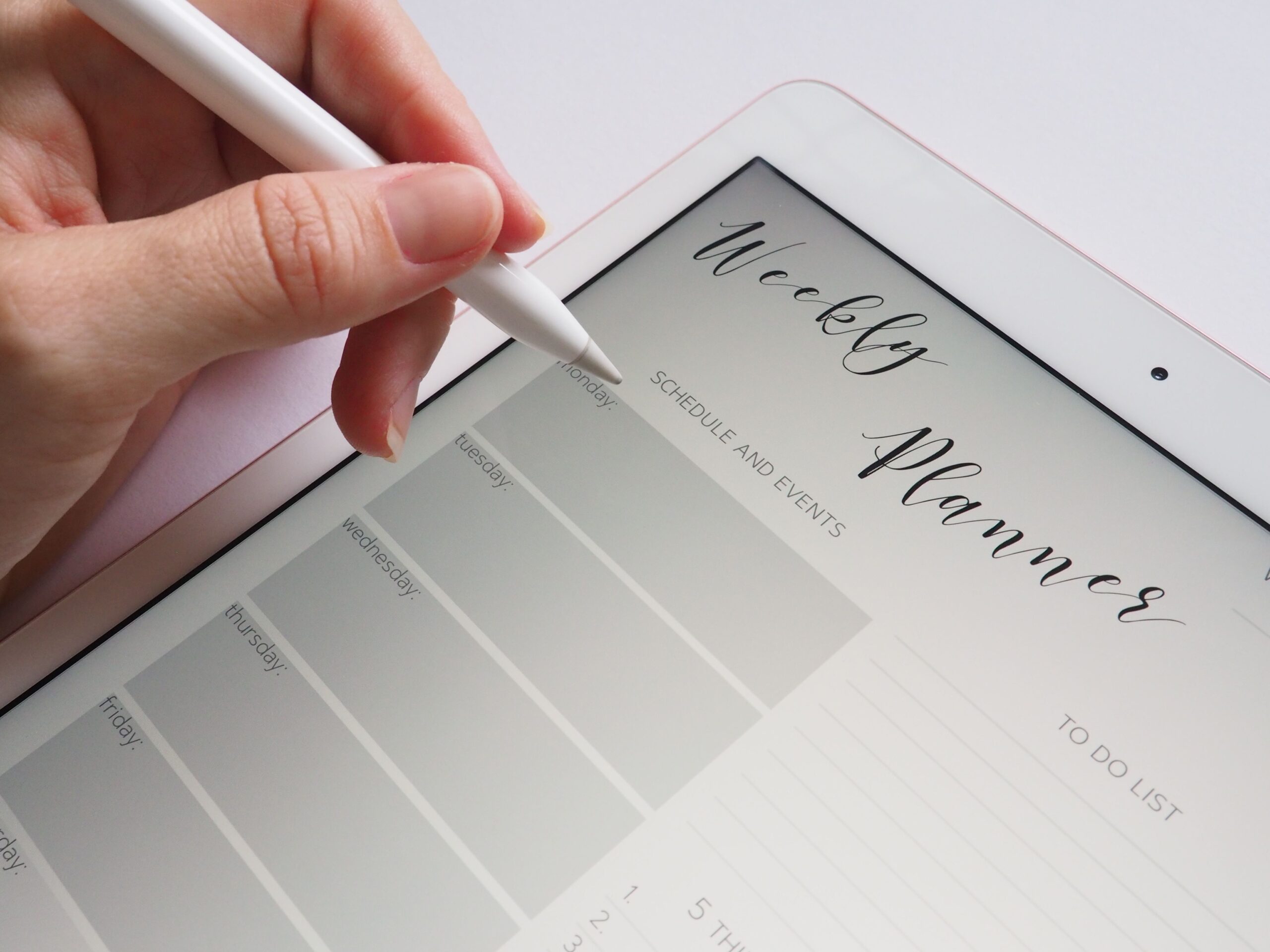


Realistic First-Month Income Breakdown
Average Etsy Digital Planner Income in Month 1
New sellers typically see anywhere from a handful of sales to a modest $200 in revenue during the opening weeks (estimate). The exact figure depends on how many listings are live, the price point chosen, and whether the shop already has positive reviews.
Because Etsy’s search algorithm favors shops with consistent activity, a single well‑optimized listing may generate approximately $20–$40 in the first week, while a set of three to five listings can push total earnings toward approximately $100–$150 (estimate).
Why Most Beginners Earn $0‑$100 Initially
Lack of traffic is the primary barrier. Without external promotion or Etsy ads, the platform’s organic reach is limited for brand‑new shops.
Additionally, buyers often look for shops with multiple reviews. A fresh store has none, so conversion rates stay low until the first few customers leave feedback.
Finally, many creators set prices too high for a market saturated with free or low‑cost alternatives, causing shoppers to skip the purchase.
How to Create and List Your First Planner
Step‑by‑Step: Designing with Canva Planner Templates
- Sign up for a Canva Pro account to unlock the full library of planner elements.
- Search “planner template” in Canva’s template gallery and select a layout that matches your niche (e.g., fitness, budgeting, or academic).
- Replace placeholder text with your own headings, dates, and habit‑tracking sections. Keep fonts legible and colors consistent.
- Export the finished design as a high‑resolution PDF. Enable “Crop marks and bleed” only if you plan to offer a printable version.
- Save a copy of the source file (Canva’s .cnv) for future updates.
If you’re looking to create digital planner for beginners, start with a simple weekly layout, use clear headings, and limit the number of decorative elements to keep the file size low.
When you finish, double‑check that every page is linked correctly for a seamless digital experience. A broken link inside the PDF can lead to negative reviews.
Optimizing Your Etsy Listing for Search
Title: place the primary keyword sell digital planners online near the beginning, followed by niche details (e.g., “2027 Weekly Planner – Minimalist PDF”).
- Use all 13 tags. Include LSI terms such as “etsy digital planner income,” “digital product side hustle,” and “canva planner template sales.”
- Write a concise 150‑character description that highlights the planner’s unique features and the instant download benefit.
- Upload at least three high‑quality mockup images that show the planner on a tablet, a printed page, and a lifestyle scene.
- Set the price after calculating your profit margin (see next section) and consider offering a limited‑time discount to attract early buyers.
Remember to enable the “Digital download” option so Etsy automatically delivers the file after purchase.
Profit Margins and Hidden Costs
Calculating Digital Planner Profit Margins
Start with your sale price, then subtract Etsy’s transaction fee (6.5 % of the total) and the payment processing fee (typically 3 % + $0.25 per order) (Etsy fee page). Next, factor in your Canva Pro subscription cost, which averages about $13 per month (Canva pricing).
For example, a $15 planner sold on Etsy yields a gross profit of $15 × (1 – 0.065 – 0.03) ≈ $13.30. After allocating $0.50 of the monthly Canva fee per sale (assuming 26 sales per month), the net profit per unit is roughly $12.80 (estimate).
Don’t forget to account for any promotional spend, such as Etsy ads or social‑media boosts, which can reduce the margin further.
The Hidden Time Cost of Customer Service
Buyers often request customizations, ask about file compatibility, or need help with download links. Each interaction can take 5–15 minutes, adding up quickly if you receive multiple inquiries.
Tracking the total minutes spent per week and assigning an hourly rate (e.g., $20) helps you see the true cost of support. If you spend 4 hours a week, that’s $80 of hidden expense that should be reflected in your pricing strategy (estimate).
Automating common answers with a FAQ file attached to the download can cut response time dramatically.
Common Pitfalls That Kill Sales
Why Your Planner Isn’t Ranking on Etsy
Etsy’s algorithm looks for relevance, freshness, and engagement. Listings that lack the primary keyword in the title or tags will rarely appear in search results.
Low‑resolution mockups also signal low quality to both the algorithm and shoppers, reducing click‑through rates.
Updating the listing weekly—by tweaking tags or adding a new image—signals freshness and can improve rank over time.
Avoiding Niche Saturation and Copycat Issues
Before you design, search Etsy for planners in your chosen niche. If the top results all feature identical layouts, consider adding a unique element such as habit‑tracking stickers or a built‑in budgeting calculator.
Use a distinct branding style—consistent colors, logo, and voice—to stand out from copycat shops that simply re‑upload the same template.
Finally, protect your files with a watermark on preview images. This discourages competitors from stealing your design while still giving buyers a clear view of the product.
Frequently Asked Questions
How much can I make selling digital planners on Etsy?
Earnings vary widely. New sellers often earn between $0 and $500 in the first month, while established shops with multiple listings can surpass $1,000 once they have reviews and repeat buyers (estimate).
Is selling digital planners a good side hustle for beginners?
Yes, because the upfront cost is low, design tools like Canva are user‑friendly, and digital products require no inventory. Success hinges on creating a niche‑specific planner and optimizing the Etsy listing.
Do I need to know how to design to sell digital planners?
No. Canva provides ready‑made templates that you can customize without graphic‑design expertise. The key is to replace placeholder text with your own content and ensure the final PDF looks polished.
What are the fees for selling digital products on Etsy?
Etsy charges a 6.5 % transaction fee on the total order amount, plus a payment processing fee of about 3 % + $0.25 per sale. There is no listing fee for digital items after the initial $0.20 per listing (Etsy fee page).
How long does it take to see sales for a new digital planner?
Most sellers report their first sale within a week of publishing, especially if they promote the listing on social media or run a small Etsy ad. Consistent traffic and positive reviews typically build over the first 30 days.
Also Read: How to Accept Tips Online: Digital Tip Jars for Creators
Well, what do you think about the article?
Did you enjoy reading “Sell Digital Planners: Realistic First-Month Earnings”? We really hope that you have enjoyed.
If you have any thoughts or comments about this post, please feel free to share them in the comment section below. We appreciate your feedback and would be glad to hear from you.
To see more content like this check the Beermoney section of Money For My Beer.

Chief Editor and Website Owner.
Hi, I’m Ryan. I write and edit everything on this site, which means I’m the last set of eyes on every post before it goes live. By day I’m a technical architect. I design and build enterprise systems, apps, websites, and the occasional game.
This site started because I wanted one place where money advice for regular people doesn’t read like it was written by a finance robot. My goal is simple: every article should be genuinely useful, actually tested against what real people are searching for, and written in plain English. No jargon, no “get rich quick,” no advice I wouldn’t follow myself.
You’ll see a lot of topics here that lean on my engineering background: software reviews, tools, and tech-adjacent money stuff. Where a topic needs real financial expertise, I say so plainly and point you to qualified sources rather than pretending.